Audio
Audio signal flow & gain staging
Follow sound from the microphone to the room and the stream, then locate the point where a signal disappears.

By Blueprint Event Technologies
New to media technology? Start here. Learn the words, see a real-world example, and practice one step at a time—with a Blueprint guide you can follow at your own pace.
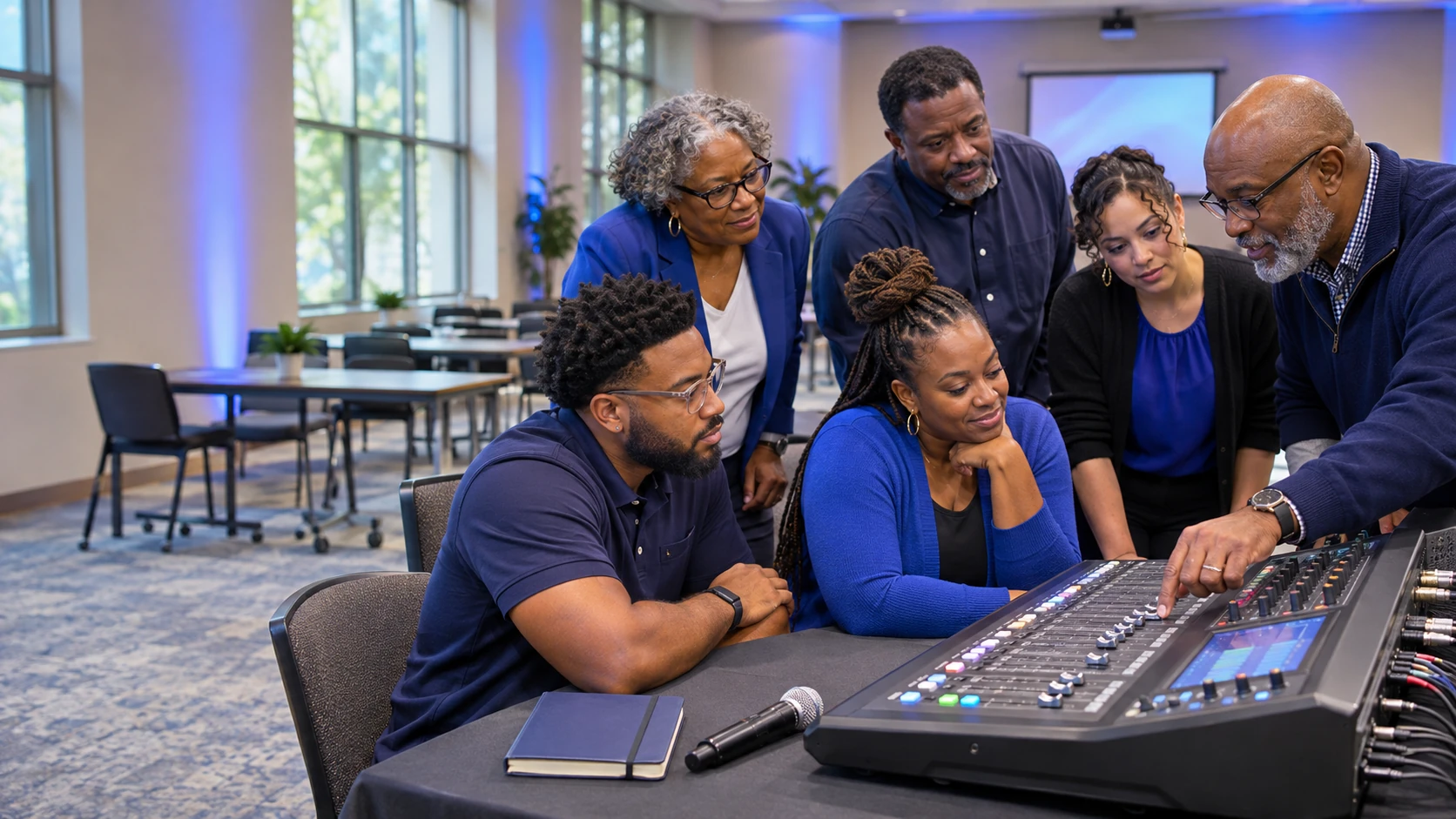
Meet the Foundations Guide
Begin without a trainer. Each lesson explains the terms, walks through a realistic problem, and gives you individual practice and questions with answer feedback. Read along or use browser read-aloud when available.
Keep your place, notes, and completion marks in the same browser. You can review concepts without equipment, then rehearse with your approved setup when you are ready.
Reviewed explanations and written answers stay available in every lesson. Each lesson also shows whether the AI learning coach is connected for live questions. If your question is not covered, contact Blueprint for support. A video-avatar presenter is not currently included.
Choose a starting point
Use a suggested sequence or browse individual lessons. Start at the level your team needs and rehearse with the equipment you use.
Learn it. Practice it. Pass it on.
Guided lessons with plain-language terms, worked examples, individual practice, and answer feedback. Each lesson also keeps its group trainer plan.
0 of 29 lessons marked complete. Progress is saved in this browser.
29 lessons shown.
Audio
Follow sound from the microphone to the room and the stream, then locate the point where a signal disappears.
Audio
Find the same mixing functions on two console styles and understand what changes when layers, routing, and scenes are involved.
Audio
Build a clear, balanced mix with deliberate listening before adding processing.
Audio
Create and monitor a stream mix for people listening outside the room.
Audio
Use a console-control app around the venue and plan the additional needs of an off-site engineer.
Audio
Improve the source and stage listening before reaching for more gain or EQ.
Audio
Understand devices, subscriptions, clocking, and the difference between an audio network and an ordinary internet connection.
Presentation
Build a short running order, prepare readable slides, and rehearse confident live operation.
Presentation
Build a playlist and understand the relationship between content layers, audience outputs, and stage information.
Video & streaming
Practice source selection, transitions, still graphics, and audio control with an ATEM switcher.
Video & streaming
Assemble a clean program from cameras, slides, and audio, then test it before broadcasting.
Video & streaming
Prepare the destination, verify the incoming feed, and manage the audience experience through the end of the event.
Video & streaming
Create usable camera shots and rehearse moves that support the speaker and director.
Production teams
Make people visible, build a deliberate look, and separate lighting operation from installation work.
Production teams
Give every operator the same plan and practice a calm language for cues and changes.
Production teams
Plan content people can follow and confirm how the organization is allowed to use it.
Audio
Help a remote speaker hear the program without hearing their own delayed voice sent back to them.
Video & streaming
Make a usable recording, verify it, and hand it over with clear names and access decisions.
Production teams
Find the failed stage of a system and recover without creating several new problems.
Video & streaming
Understand LED cabinets, plan a supported wall build, map a video processor, and diagnose missing, scrambled, or incorrectly scaled pictures.
Production teams
Bring the team’s audio, slides, cameras, lighting, stream, and communication into one rehearsal.
Video & streaming
Build a simple vMix production, route one clear audio path, and verify a recording before a private stream rehearsal.
Audio
Connect an interface, create a tidy session and understand inputs, outputs, sample rate, buffers and monitoring.
Audio
Record speech or music, preserve the original takes, make clean edits and check a complete delivery.
Audio
Use stock, Waves and other compatible plug-ins with a purpose, fair A/B comparisons and a reliable recording path.
Production teams
Understand switches, routers, Wi-Fi, IP addresses and internet upload, then trace a missing AV device without changing the live network.
Audio
Choose a microphone for its source, pattern and environment; practice aiming, distance, handling and monitor relationships.
Audio
Choose and place microphones for speech, guitar, drums, keys, piano, brass and choir, with listening comparisons and a clear input list.
Audio
Hear frequency landmarks, identify EQ changes and use an analyzer to support careful listening instead of chasing a perfect-looking graph.
Put the lesson to work
Use these Blueprint-branded, fillable PDFs during rehearsal. Download and open in a PDF reader that supports forms, save your completed copy, or print and write by hand.
Document source connections, channels and room, stream and monitor destinations.
Download fillable PDF: Input & output patch listCoordinate audio, cameras, presentation, lighting and backup cues.
Download fillable PDF: Run of showTrace a fault, record a recovery and assign the next improvement.
Download fillable PDF: Rehearsal & recovery reviewRecord system identity, approvals, mapping, verification and handover.
Download fillable PDF: LED wall commissioningLog five frequency rounds and three original-versus-processed EQ comparisons.
Download fillable PDF: Ear training & EQ listening logRecord approved addressing, device connections, tests and recovery notes.
Download fillable PDF: AV network inventoryCompare microphone choices, positions, spill and combined sound.
Download fillable PDF: Microphone placement & listeningRecord the DAW setup, monitoring method, source files and delivery checks.
Download fillable PDF: Recording session & deliveryThe Blueprint approach
Technology supports the vision. People carry the mission. Use the lesson to develop the person, then practice the workflow your team needs.
Read the plain-language introduction and terms. Use a paper plan or offline practice if you are still learning the equipment.
Follow the worked example and supporting material. Pause, replay the read-aloud, and choose a lesson question when you need an explanation.
Complete the individual task, check your answers, and explain your result. Keep the trainer plan for group rehearsals and hands-on coaching.
The lessons and exercises are written for Blueprint’s learning hub. Linked videos and guides belong to their named providers. Some courses need a provider account; software controls and features depend on version, hardware, and plan. Completion marks record self-checked progress and do not award manufacturer certification.
Supporting resources reviewed November 23, 2026. Use the provider’s current documentation alongside older videos.
The self-paced lessons are a starting point. Blueprint can help your team apply them to the equipment and workflows you actually use.